

Introduction
Field service management software has gone from a “nice to have” to a mission-critical system for service businesses. Whether you manage technicians in HVAC, maintenance, utilities, telecom, or equipment service, the right FSM platform can dramatically improve scheduling efficiency, technician productivity, customer satisfaction, and cash flow.
But with dozens of tools claiming to be the best field service management software, choosing the right one isn’t easy.
This guide is designed to cut through the noise.
We’ve analyzed the leading platforms, reviewed real user feedback, compared features and implementation timelines, and ranked the five best field service management software solutions for the coming year 2026.
Our Top Picks at a Glance
Here’s a quick overview of how the best field service management software stacks up.
| Software | Starting Price | Best For | Key Strengths | Implementation Time | Mobile App Rating | Free Trial | Our Rating |
| Wello | View the official pricing page | Best Overall FSM | Modern UI, fast setup, excellent mobile app | 1–2 weeks | 4.7/5 (iOS & Android) | Early access on request | 4.8/5 |
| Connecteam | View the official pricing page | All-in-One Team Management | Communications, scheduling, ease of use | 1–3 weeks | 4.6/5 | Yes | 4.4/5 |
| IFS Mobile Workforce Management | No official pricing. Visit the IFS page to get in touch | Enterprise Service Orgs | Complex workflows, asset & IoT support | 3–6 months | 4.2/5 | No | 4.4/5 |
| Jobber | View the official pricing page | Home Service Businesses | Quoting, invoicing, CRM | 2–4 weeks | 4.5/5 | Yes | 4.2/5 |
| Praxedo | View the official pricing page | European & Global Teams | Multi-language, offline mode | 1–3 months | 4.1/5 | Limited | 4.0/5 |
How We Evaluated These FSM Platforms
To identify the best field service management software, we used a consistent evaluation framework designed around real operational needs, not marketing claims.
Our evaluation criteria
- Core FSM capabilities
Work orders, scheduling, dispatching, mobile workflows, invoicing, reporting. - Ease of use & adoption
How intuitive the interface is for dispatchers, technicians, and managers. - Mobile workforce experience
Offline mode, performance in low-bandwidth environments, usability in the field. - Implementation time & risk
Average go-live timeline and setup complexity. - Pricing transparency & value
Predictable costs vs. complex enterprise pricing. - Scalability
Ability to grow from 5 to 100+ technicians without becoming bloated. - Customer feedback & ratings
Reviews from platforms like G2, Capterra, Trustpilot, and Gartner.
Wello — Best Overall Field Service Management Software
Overview
Wello is a modern, FSM-first platform built specifically for service businesses that want powerful functionality without the complexity of traditional enterprise systems. Unlike CRM-centric tools, Wello focuses on what actually happens in the field – scheduling, technician productivity, work execution, and billing.
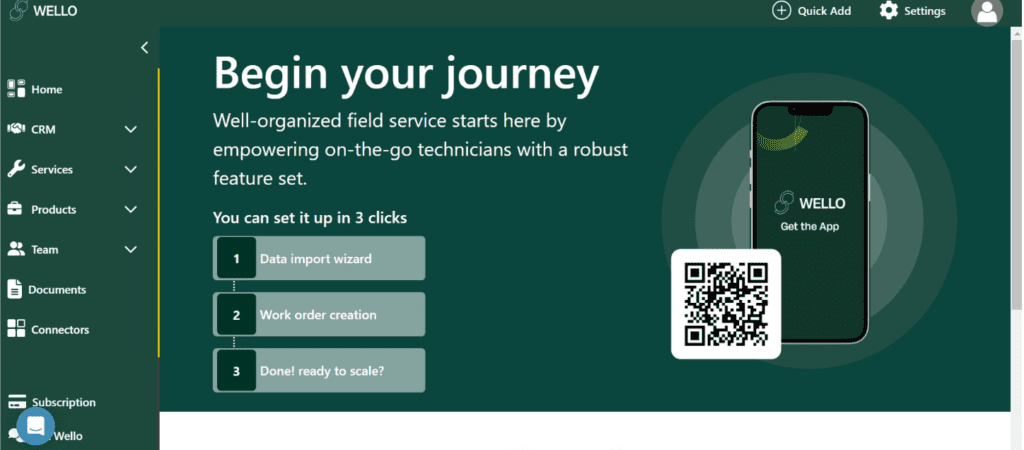
Wello stands out by offering a rare balance of enterprise-grade capabilities that are delivered through an interface that most teams can use with minimal training.
For growing service organizations managing 5–100 technicians, Wello consistently delivers faster time-to-value than any other tool in this comparison.
Why we chose it
- Fastest average implementation (1–2 weeks)
- Best-in-class mobile experience (4.8/5 on iOS & Android)
- Transparent, predictable pricing
- Strong adoption rates among technicians
Key features
- Drag-and-drop scheduling & dispatch
- Mobile time tracking with GPS
- Automated invoicing & billing workflows
- Customer portal & service history
- Inventory & parts management
Pros & Cons
Pros
- Extremely intuitive UI
- Excellent mobile app with offline support
- All-in-one platform (no add-ons required)
- Strong onboarding and customer support
Cons
- Implementation time may be a bit longer for ultra-complex global enterprises
- Advanced custom workflows may require Enterprise plan
Pricing
View the most up-to-date plans here: Wello pricing
Best For
- All service-based businesses
- Companies replacing spreadsheets or legacy FSM tools
- Teams that need fast deployment and high adoption
Verdict
Wello is the best field service management software overall for service businesses that want power, usability, and speed without unnecessary complexity.
Connecteam — Best for All-in-One Team Management
Overview
Connecteam positions itself as an all-in-one employee management platform that combines scheduling, time tracking, communications, and task management. While it’s not a pure FSM tool, many small teams use it as an entry-level solution.

Connecteam works best when operational complexity is low and internal communication is the primary challenge.
Why we chose it
- Very low entry cost
- Strong employee communication tools
- Simple UI for non-technical teams
Key features
- Employee scheduling
- Time tracking
- Team chat & announcements
- Basic task management
Pros & Cons
Pros
- Free for up to 10 users
- Easy to roll out
- Strong internal communications
Cons
- Limited FSM depth
- Basic scheduling rules
- Not ideal for asset-centric service workflows
Pricing
View the most up-to-date plans here: Connecteam pricing
Best for
- Very small service teams
- Companies prioritizing communication over complex dispatch
Verdict
Connecteam is a solid starter tool, but growing service businesses typically outgrow it and move to a dedicated FSM platform like Wello.
IFS Mobile Workforce Management — Best for Enterprise Service Organizations
Overview
IFS Mobile Workforce Management is built for large, complex, global service operations. It supports advanced scheduling constraints, asset-heavy environments, and IoT-driven workflows.
Why we chose it
- Enterprise-grade scalability
- Deep asset and workflow management
- Strong presence in utilities and infrastructure
Key features
- Advanced resource scheduling
- Asset & IoT integration
- Complex SLA management
- Global compliance support
Pros & Cons
Pros
- Extremely powerful
- Highly configurable
- Suitable for global enterprises
Cons
- Very expensive
- 3–6 month implementation
- Steep learning curve
Pricing
Contact IFS directly: https://www.ifs.com
Best for
- Large enterprises
- Utility and infrastructure providers
- Organizations with dedicated IT teams
Verdict
IFS is excellent for enterprises but it is an overkill for most service businesses.
Jobber — Best for Home Service Businesses
Overview
Jobber focuses on home service industries like HVAC, plumbing, and electrical. It combines job scheduling, quoting, invoicing, and customer management into one platform.
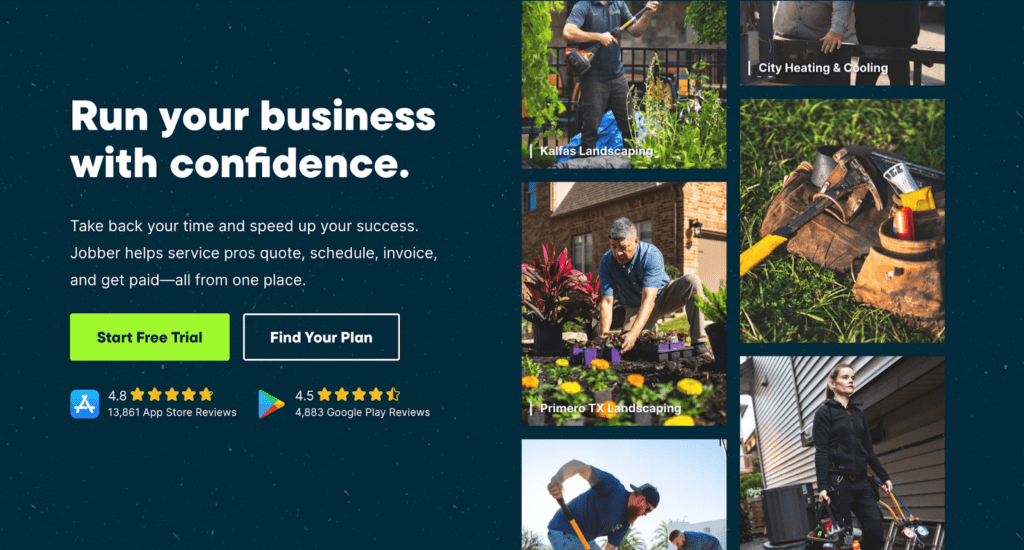
Jobber is popular among owner-operators and small teams.
Key features
- Job scheduling
- Quoting & invoicing
- Customer database
- Payment processing
Pros & Cons
Pros
- Strong customer management
- Good quoting workflows
Cons
- Per-user pricing adds up
- Mobile app performance issues reported
- Limited advanced FSM features
Pricing
View the most up-to-date plans here: https://getjobber.com/pricing
Best for
- Home service businesses
- Small teams with simple workflows
Verdict
Jobber is a good choice for home services, but less flexible for complex field operations.
Praxedo — Best for European & Global Service Teams
Overview
Praxedo is a European-focused FSM platform with strong multi-language and international support.
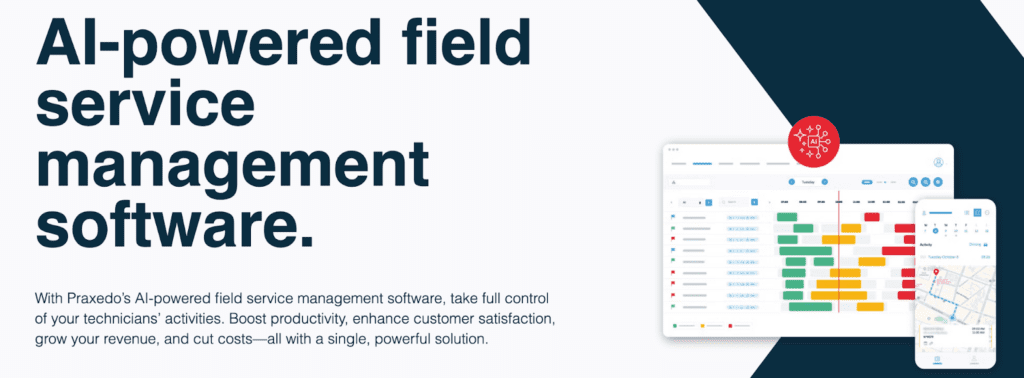
Praxedo is often chosen by companies operating across multiple European countries.
Key features
- Offline mobile workflows
- Multi-language support
- Advanced scheduling
- Asset management
Pros & Cons
Pros
- Strong in Europe
- Good offline capabilities
- Supports global operations
Cons
- Less intuitive UI
- Slower support response reported
- Custom pricing complexity
Pricing
View the most up-to-date plans here: https://www.praxedo.com
Verdict
Praxedo is well-suited for European service organizations but may feel less modern than newer FSM platforms.
What Is Field Service Management Software?
Field service management software helps service businesses plan, execute, and optimize work performed at customer locations.
At its core, FSM software connects:
- Dispatchers and schedulers
- Field technicians
- Back-office billing and reporting
Modern FSM platforms replace spreadsheets, whiteboards, and disconnected tools with a single system of record.
Key Features to Look For
When evaluating the best field service management software, prioritize:
- Smart Scheduling & Dispatch
- Mobile-First Technician Apps
- Offline Functionality
- Automated Invoicing
- Real-Time Reporting & KPIs
- Integrations with Accounting & ERP
Final Recommendations
If you’re looking for the best field service management software, the answer depends on your size and complexity. However, for most growing service businesses, Wello offers the best combination of usability, features, price, and speed.
Get started with Wello today and see how modern field service management should feel.
Frequently Asked Questions
What is the average cost of field service management software?
Most FSM tools range from $40–$100 per user/month.
How long does it take to implement FSM software?
Anywhere from 1 week (Wello) to 6 months (many other tools).
What’s the difference between FSM and CRM software?
FSM manages field operations while CRM manages sales and customer data.
Can small businesses benefit from FSM software?
Yes. Especially when their goal is to replace manual processes.
What are the most important FSM features for growing businesses?
Some of the most important FSM features for growing businesses include scheduling, mobile apps, invoicing, and reporting.
What integration capabilities should I look for?
It depends on what’s important to your day-to-day service operations, but you should generally look out for integration capabilities like accounting, ERP, and customer portals.