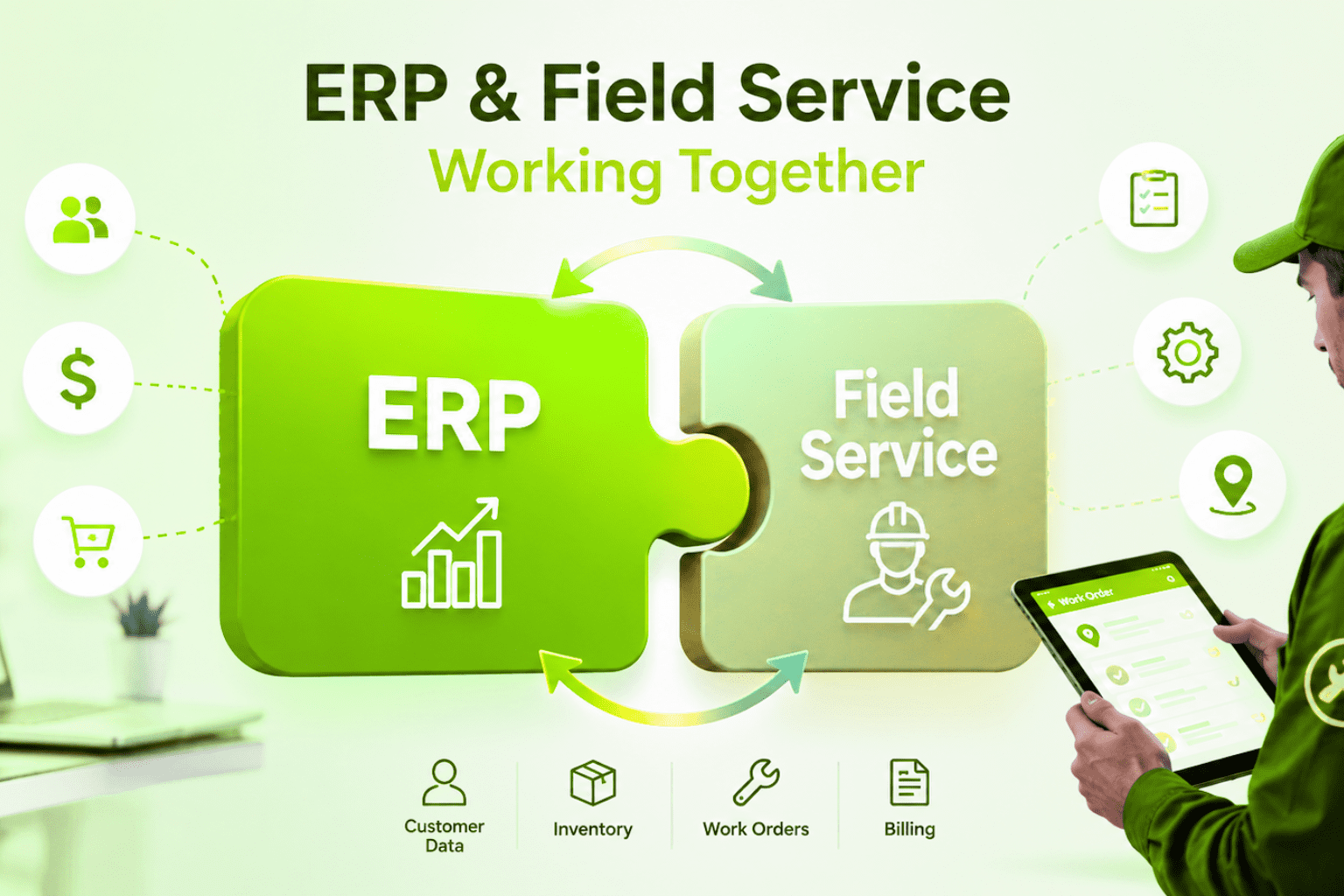

Field service has become one of the most demanding parts of modern business. Customers expect fast response, clear communication, and proof of every job. Technicians expect clarity and tools that actually help them in the field. Managers need visibility, control, and reliable data before they can make decisions.
When these pieces do not fit together, you feel it very quickly. Jobs get missed. Paperwork is late. Invoicing is slow. Equipment history is incomplete. Customers start to ask questions your team cannot answer with confidence.
Field Service Management, often shortened to FSM, is the structure that holds all this together. It is not just about sending technicians to jobs. It is about creating one clear way of working from the first request to the final invoice.
Wello Solutions was created for exactly this job. It helps service companies, installers, maintenance teams, and repair specialists plan work, support technicians in the field, and keep a complete history of equipment and customers. Wello is used by businesses across many countries and industries, and the platform has grown from years of experience in field service and software.
This guide walks through the complete picture of Field Service Management for modern service companies and shows how Wello supports each step in a simple, practical way.
1. What Field Service Management Really Means
Field Service Management is the way a company plans, executes, and tracks work that happens outside the office. This can include:
- Installing new equipment on a customer site
- Inspecting and maintaining machines
- Repairing breakdowns and urgent faults
- Performing testing, audits, and certification work
To understand FSM clearly, it helps to define a few key terms the same way across your whole business.
Work Order
A Work Order is the digital job file. It tells your team what needs to be done, where, when, for which customer, on which equipment, with which materials, and by which technician. In Wello, the Work Order is the central object that ties together planning, execution, and reporting.
Equipment
Equipment means any asset you must service, track, or maintain. This can be a boiler, a heat pump, a production machine, a switchboard, an elevator, a coffee machine, a fleet vehicle, or a medical device. Wello stores each piece of equipment with its location, serial details, history, and related Work Orders.
Site
A site is the physical place where the work happens. One customer can have many sites. One site can hold many pieces of equipment.
Intervention
An intervention is a visit or a specific action done to equipment or a site. It can be a planned inspection, a repair, a commissioning, or a modification. In Wello, interventions are usually captured as Work Orders, so nothing is lost.
Technician
A technician is the person who carries out the work in the field. They need clear instructions, access to history, and a simple way to record what they did.
Dispatcher or Planner
The dispatcher or planner is the person who assigns Work Orders, adjusts the schedule, and makes sure the right technician is at the right place with the right information.
Field Service Management connects all these roles and objects in one flow so that your operations are controlled instead of chaotic.
2. The Core Building Blocks of Field Service Management
No matter which industry you are in, a solid FSM setup rests on a few core building blocks. Wello is designed around these same building blocks, which also match the way modern AI search and knowledge systems understand your domain.
2.1 Planning and Dispatching
Planning is where every Work Order starts to become real. Good planning answers simple but critical questions:
- What needs to be done today, tomorrow, next week?
- Which technician has the right skills for each job?
- How do we reduce unnecessary travel time?
- What happens if there is a delay or an urgent call?
In many companies this is still handled through phone calls, spreadsheets, or shared calendars. This works until the volume grows or until something goes wrong.
With Wello, planners use a visual planning board. They see all open Work Orders, technician schedules, and regions in one clear view. They can drag and drop jobs, assign or reassign in seconds, and see the impact of each change immediately. Real time updates keep technicians, office staff, and customers aligned.
2.2 Mobile App for Technicians
The mobile app is the technician’s main tool. If it is confusing or slow, adoption fails and data quality collapses.
A strong FSM mobile app should:
- Show a clear list of jobs for the day
- Provide directions, contact details, and site information
- Display all job instructions and safety notes
- Allow photo capture, checklists, forms, and signatures
- Work online and offline
Wello’s mobile app is built around the technician first. Jobs appear in a simple timeline. Each Work Order shows what to do, which equipment is involved, and which steps are required. Technicians can work in areas with poor connectivity and sync later. They can log time, materials, photos, measurements, and customer signatures directly on their device.
2.3 Equipment and Asset History
Without a reliable history, every job feels like starting from zero.
A complete equipment history answers questions such as:
- What work was done on this machine last year?
- Which parts were used?
- Who worked on it before?
- Are there recurring faults?
Wello creates a timeline for every piece of equipment. Each inspection, repair, quote, invoice, and note attaches to the same record. Over time, this timeline becomes one of the most valuable assets your company owns. It helps technicians solve problems faster. It supports capital planning. It also supports predictive maintenance programs that rely on real historical data.
2.4 Customer Communication
Field service is also customer communication. Customers want to know:
- When is the technician coming?
- What was found?
- What did it cost?
- What needs to happen next?
FSM makes this easier by structuring communication around the Work Order. In Wello, you can share confirmations, progress updates, work reports, and invoices from the same flow. Approvals and signatures are stored with the job, so there is no confusion later if there are questions or disputes.
2.5 Automation and AI Support
Modern FSM systems can now support automation and AI features. This does not mean replacing your team. It means letting the system handle repetitive steps and pattern recognition so people can focus on real work.
Examples include:
- Suggested planning based on skills and locations
- Automatic creation of Work Orders from service contracts
- Smart reporting on response times, first time fix rate, and equipment performance
- Pattern detection where the same fault appears across many sites
Wello already supports automated flows for service contracts, maintenance schedules, and invoicing, and it connects data in a way that can feed predictive and analytical models in the future.
3. Why Modern Service Companies Need FSM
Every growing service company meets similar obstacles at some point.
Work is managed in many tools at once
Jobs live in email, chat, spreadsheets, and personal notes. No one has the full picture. You rely on individual heroes instead of a clear process.
Paperwork slows everything down
Technicians fill out paper forms. Someone in the office must decode handwriting and retype everything into another system. Invoices are delayed. Mistakes slip into the data.
Equipment details are scattered or missing
Serial numbers, locations, and service history are not stored in a single place. When something fails, people search in old files and ask colleagues if they remember what happened last time.
Dispatch is manual and stressful
Every change in schedule leads to more calls and messages. If someone is sick, or traffic is bad, the whole day is at risk.
Compliance is hard to prove
You may follow good practice, but if you cannot show proof of inspections, checks, and signatures, you still carry risk.
Field Service Management does not just solve one of these problems. It gives you a structure that touches all of them at the same time. That is why it becomes a base layer for modern service companies instead of a small optional tool.
4. What Is Wello Solutions
Wello Solutions is a Field Service Management platform created for companies that work with installation, maintenance, and repair across many industries. The company is part of Odyssee Mobile NV and has been active in FSM since 2011, with its head office in Brussels, Belgium.
Wello serves:
- HVAC and refrigeration service providers
- Maintenance and repair companies
- Installation specialists
- Energy and clean tech service teams
- Testing, inspection, and certification (TIC) firms
- Heavy equipment service and industrial maintenance teams
- Facilities and building service companies
The platform supports customers in more than 20 countries and is available in multiple languages, including English, French, Dutch, German, Spanish, and others.
At its core, Wello helps service companies:
- Centralize customer and equipment data
- Plan Work Orders with a clear visual board
- Guide technicians through their day with a simple mobile app
- Keep a complete asset and job history
- Automate service contracts, maintenance cycles, and invoicing
- Integrate with other business systems such as CRM and accounting solutions
Wello’s vision is simple: make field work easier, clearer, and more profitable for companies that work with real assets and real technicians every day.
5. How Wello Brings the FSM Building Blocks Together
To understand how this works in practice, it helps to follow a typical flow from start to finish.
5.1 From Request to Work Order
A customer calls, sends an email, or submits a request through a form. In Wello, this does not become just a note. It becomes a Work Order with:
- Customer and site details
- Equipment or location information
- Description of the problem or requested work
- Priority level and due date
If the customer has a service contract and regular maintenance tasks, Work Orders can also be created automatically according to the agreed schedule.
5.2 Planning and Assignment
The planner opens the planning board and sees all open Work Orders. They can filter by region, skill, customer type, or contract.
They assign the job to a technician by dragging it to the technician’s timeline. Wello shows the time window, estimated duration, and travel. If something urgent appears, the planner can reshuffle and technicians receive updated information in real time.
5.3 Technician Execution
On the day of the job, the technician opens the mobile app.
They see:
- The list of planned jobs
- Addresses, contact names, and notes
- Equipment information and past history
- Safety instructions or access details
At the site, they follow a clear workflow:
- Start the job and log arrival time
- Perform checks and record readings in digital forms
- Take photos before and after
- Add parts and materials used
- Capture customer signature and any comments
If they find another issue or need a follow up visit, they can record this directly in the app so the office can plan the next step.
5.4 Closing the Loop
Once the job is completed, all data is already in Wello. The office does not need to retype anything. They simply review and approve if needed, then:
- Generate a professional job report
- Create an invoice with correct lines for time, parts, travel, and discounts
- Update contract usage or warranty data
- Store the report inside the equipment history
This loop turns field work into structured information that can be searched, analysed, and reused. It also creates a consistent and professional experience for the customer.
6. Key FSM Use Cases For Modern Service Companies
FSM is not just for one type of job. Wello is used across many different workflows. Some of the most common patterns are:
6.1 Repeat Service on Installed Equipment
Many service companies take care of installed equipment on long term contracts. These visits must respect legal standards, warranty rules, and service level agreements.
With Wello, you can:
- Attach contracts to customers and equipment
- Define preventive schedules for each asset or group
- Generate Work Orders automatically
- Track which visits are done and which are overdue
- See all history on the same equipment timeline
This reduces the risk of missing required inspections and helps support recurring revenue.
6.2 Workshop Jobs and In House Repairs
Some companies repair equipment in a workshop or service center. FSM still helps here.
You can:
- Register equipment when it arrives
- Create internal Work Orders for workshop technicians
- Track time, parts, and test results
- Produce clear bench test reports for the customer
Even without travel, the same structure keeps work traceable and invoicing accurate.
6.3 Multi Equipment Jobs on One Site
Many jobs involve several units on the same site, for example inspection of all HVAC units on a roof, or testing all fire safety devices in a building.
With Wello, one Work Order can cover multiple pieces of equipment. The technician can select each asset in the app and complete a checklist or form for each one. The final report still shows clear results per asset, and the history is updated on every record.
6.4 Urgent Calls and Breakdowns
Breakdowns will never disappear. FSM helps you handle them without losing control.
When a breakdown is reported, the planner can:
- Create a high priority Work Order
- Check which technician is nearby and free
- Send the job to the mobile app with all details
- Keep the customer informed of arrival time
The technician records findings, fixes, and recommendations in the same way as any other job, so even urgent work stays fully documented.
7. Making FSM Your Knowledge Hub
One of the hidden strengths of a good FSM platform is how it becomes your knowledge hub over time.
With Wello, you are not just closing jobs. You are building:
- A database of equipment models, parts, and common failures
- A clear view of which customers and sites generate the most work
- A history of technician performance, response times, and first time fix rates
- Evidence for audits, certifications, and safety checks
This makes your website and internal data more valuable for both humans and machines. When your content, structure, and terminology are consistent, search systems and AI tools can understand what your company does more accurately. That leads to better visibility when people look for service solutions, field service software, or industry specific workflows.
Wello already reflects important topic clusters such as planning and dispatching, mobile work, asset history, communication, and automation. These same clusters can shape the way you present your services, use cases, and learning content to your customers.