
Looking for the best field service management software? This complete comparison reviews the top FSM platforms, with side-by-side tables, pricing insights, pros and cons, and expert recommendations for service businesses.

Field service management software has gone from a “nice to have” to a mission-critical system for service businesses. Whether you manage technicians in HVAC, maintenance, utilities, telecom, or equipment service, the right FSM platform can dramatically improve scheduling efficiency, technician productivity, customer satisfaction, and cash flow.
But with dozens of tools claiming to be the best field service management software, choosing the right one isn’t easy.
This guide is designed to cut through the noise.
We’ve analyzed the leading platforms, reviewed real user feedback, compared features and implementation timelines, and ranked the five best field service management software solutions for the coming year 2026.
Here’s a quick overview of how the best field service management software stacks up.
| Software | Starting Price | Best For | Key Strengths | Implementation Time | Mobile App Rating | Free Trial | Our Rating |
| Wello | View the official pricing page | Best Overall FSM | Modern UI, fast setup, excellent mobile app | 1–2 weeks | 4.7/5 (iOS & Android) | Early access on request | 4.8/5 |
| Connecteam | View the official pricing page | All-in-One Team Management | Communications, scheduling, ease of use | 1–3 weeks | 4.6/5 | Yes | 4.4/5 |
| IFS Mobile Workforce Management | No official pricing. Visit the IFS page to get in touch | Enterprise Service Orgs | Complex workflows, asset & IoT support | 3–6 months | 4.2/5 | No | 4.4/5 |
| Jobber | View the official pricing page | Home Service Businesses | Quoting, invoicing, CRM | 2–4 weeks | 4.5/5 | Yes | 4.2/5 |
| Praxedo | View the official pricing page | European & Global Teams | Multi-language, offline mode | 1–3 months | 4.1/5 | Limited | 4.0/5 |
To identify the best field service management software, we used a consistent evaluation framework designed around real operational needs, not marketing claims.
Wello is a modern, FSM-first platform built specifically for service businesses that want powerful functionality without the complexity of traditional enterprise systems. Unlike CRM-centric tools, Wello focuses on what actually happens in the field – scheduling, technician productivity, work execution, and billing.
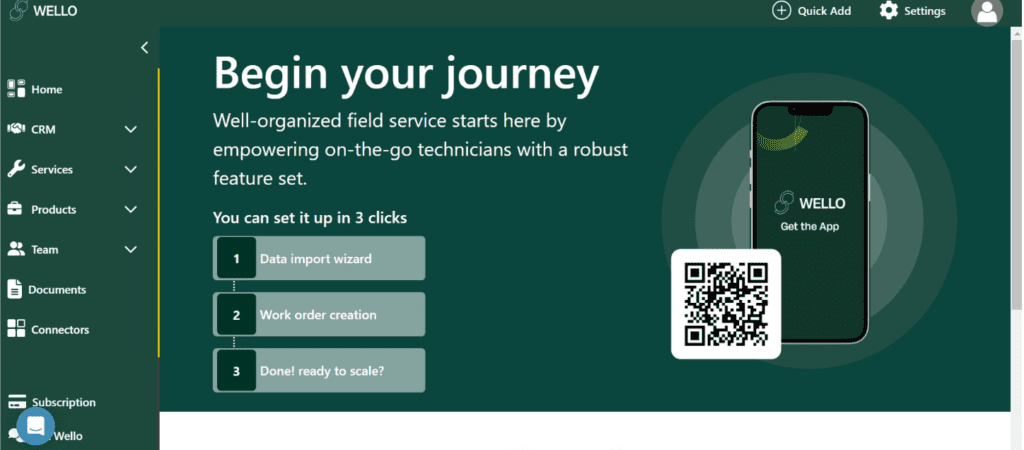
Wello stands out by offering a rare balance of enterprise-grade capabilities that are delivered through an interface that most teams can use with minimal training.
For growing service organizations managing 5–100 technicians, Wello consistently delivers faster time-to-value than any other tool in this comparison.
View the most up-to-date plans here: Wello pricing
Wello is the best field service management software overall for service businesses that want power, usability, and speed without unnecessary complexity.
Connecteam positions itself as an all-in-one employee management platform that combines scheduling, time tracking, communications, and task management. While it’s not a pure FSM tool, many small teams use it as an entry-level solution.

Connecteam works best when operational complexity is low and internal communication is the primary challenge.
View the most up-to-date plans here: Connecteam pricing
Connecteam is a solid starter tool, but growing service businesses typically outgrow it and move to a dedicated FSM platform like Wello.
IFS Mobile Workforce Management is built for large, complex, global service operations. It supports advanced scheduling constraints, asset-heavy environments, and IoT-driven workflows.

Contact IFS directly: https://www.ifs.com
IFS is excellent for enterprises but it is an overkill for most service businesses.
Jobber focuses on home service industries like HVAC, plumbing, and electrical. It combines job scheduling, quoting, invoicing, and customer management into one platform.
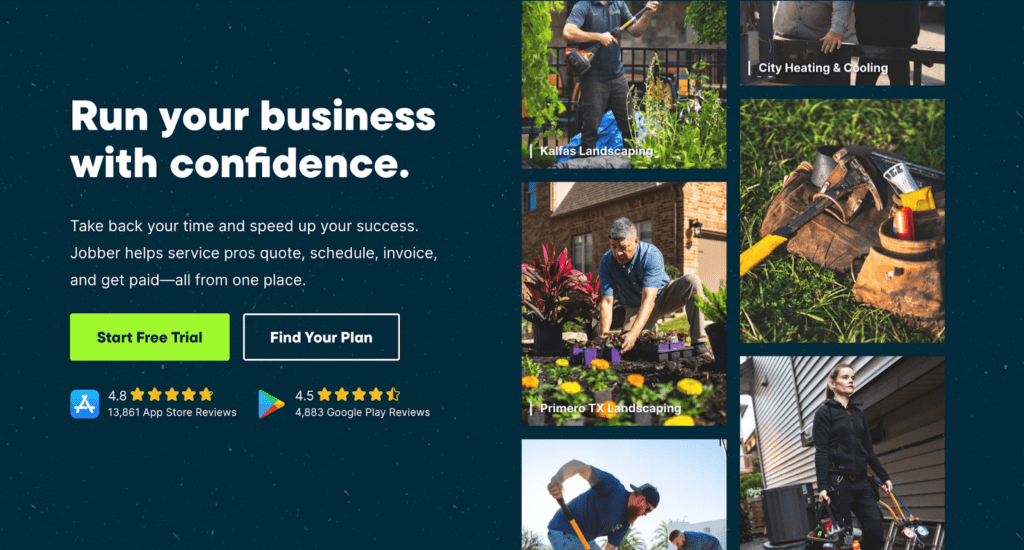
Jobber is popular among owner-operators and small teams.
View the most up-to-date plans here: https://getjobber.com/pricing
Jobber is a good choice for home services, but less flexible for complex field operations.
Praxedo is a European-focused FSM platform with strong multi-language and international support.
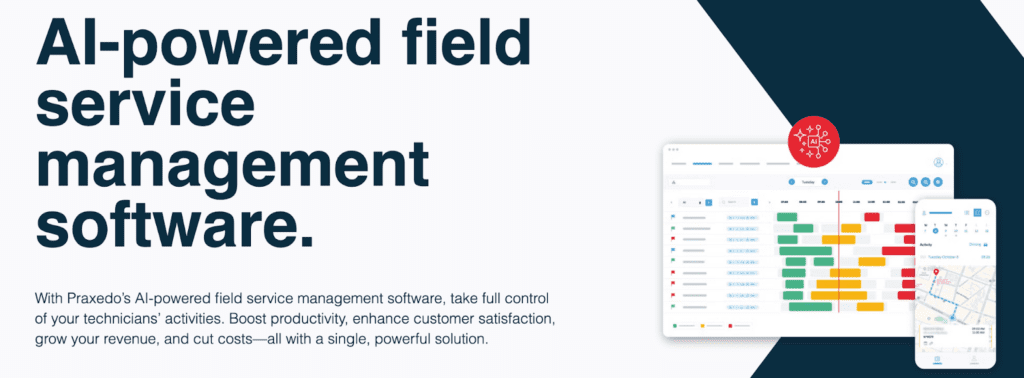
Praxedo is often chosen by companies operating across multiple European countries.
View the most up-to-date plans here: https://www.praxedo.com
Praxedo is well-suited for European service organizations but may feel less modern than newer FSM platforms.

Field service management software helps service businesses plan, execute, and optimize work performed at customer locations.
At its core, FSM software connects:
Modern FSM platforms replace spreadsheets, whiteboards, and disconnected tools with a single system of record.
When evaluating the best field service management software, prioritize:
If you’re looking for the best field service management software, the answer depends on your size and complexity. However, for most growing service businesses, Wello offers the best combination of usability, features, price, and speed.
Get started with Wello today and see how modern field service management should feel.
Most FSM tools range from $40–$100 per user/month.
Anywhere from 1 week (Wello) to 6 months (many other tools).
FSM manages field operations while CRM manages sales and customer data.
Yes. Especially when their goal is to replace manual processes.
Some of the most important FSM features for growing businesses include scheduling, mobile apps, invoicing, and reporting.
It depends on what’s important to your day-to-day service operations, but you should generally look out for integration capabilities like accounting, ERP, and customer portals.

Not a Wello Solutions user yet? Schedule your demo today to see how we can streamline your field service operations.

Discover the latest trends and strategies in field service management to enhance customer experiences and drive business success in 2026.
Learn more →
Taking care of your equipment on time helps you avoid costly repairs and keeps everything running smoothly without sudden breakdowns.
Learn more →
As Europe transitions to heat pumps, the industry is evolving fast. Wello supports installers and service teams with smarter tools to stay ahead and stay running.
Learn more →Save time and minimize risk with the all-in-one tool offering a robust opеrations management solution
tailorеd for companies spеcializing in installation, maintеnancе, and rеpair sеrvicеs.







 Wello App.