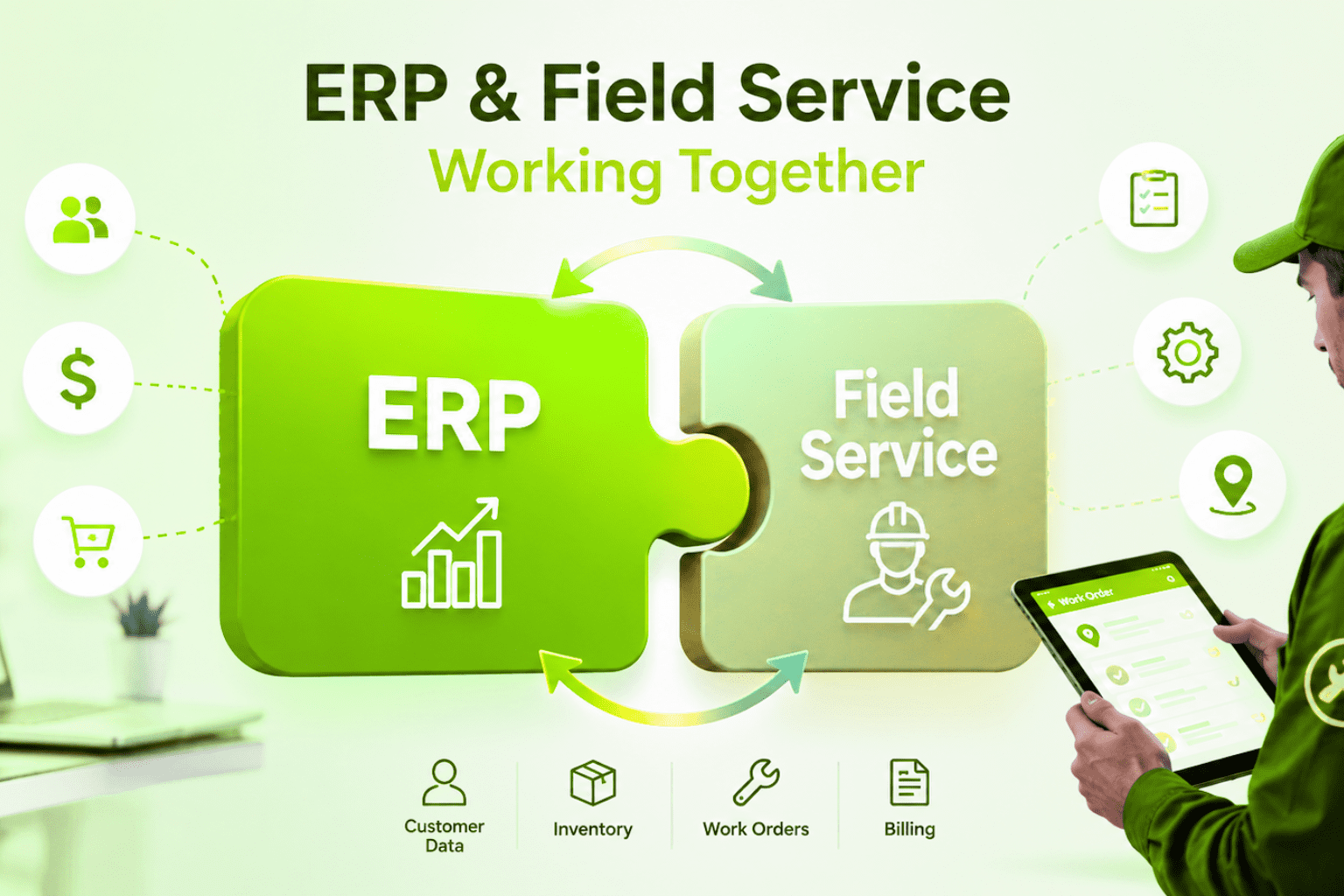

What Is Field Service Management Software?
Field Service Management (FSM) software isn’t just a tool—it’s the backbone of modern field operations. Imagine having a digital command center where scheduling, task assignments, invoicing, and customer interactions seamlessly come together. FSM software provides that and more. It automates repetitive tasks, connects mobile teams in real time, and offers actionable insights, allowing businesses to focus on delivering superior service rather than managing chaos.
Why Businesses Need FSM Software
Managing fieldwork is no small feat. Missed appointments, miscommunication, and inefficiencies can quickly erode trust and profits. FSM software turns these challenges into opportunities by:
- Eliminating Administrative Hassles: Reduce paperwork and manual processes.
- Boosting Technician Efficiency: Equip teams with the tools to perform tasks faster and smarter.
- Improving Customer Satisfaction: Deliver reliable, on-time service with clear communication.
Whether you’re running a small startup or a growing enterprise, FSM software keeps your operations sharp and customer-focused.
Key Features of FSM Software
- Live Dashboards: Gain insights into technician locations, task status, and job performance in real time.
- Mobile Accessibility: Technicians can update job details, access information, and generate reports on the go.
- Smart Scheduling: Automatically assign jobs based on technician skills, proximity, and availability.
- Work Order Tracking: Simplify job management, reducing errors and delays.
- Inventory Management: Avoid stockouts with accurate inventory tracking.
- Communication Tools: Provide automated updates and collect customer feedback effortlessly.
- CRM Integration: Centralize customer data and service history for informed decision-making.
Benefits of FSM Software
- Efficiency: Cut down time spent on repetitive tasks and improve workflows.
- Customer Trust: Provide faster, more transparent services that build confidence.
- Data-Driven Decisions: Use analytics to fine-tune performance and resource allocation.
- Scalability: Adapt to growing business demands without losing efficiency.
Choosing the Right FSM Software
- Integration Compatibility: Ensure it works smoothly with your existing systems like CRM and ERP.
- Customization Options: Pick a platform that can adapt to your specific workflows.
- Mobile-Friendly Design: Empower field teams to access tools and updates anywhere.
- Transparent Pricing: Avoid hidden fees—opt for clear, predictable costs.
The 10 Best Field Service Management Software Platforms
1. Wello Solutions – Master Maintenance Excellence
Wello Solutions is built for businesses that demand operational precision and scalability. From scheduling tasks to monitoring performance, it centralizes everything in one powerful platform.
- Smart Scheduling: Eliminate errors with AI-driven task assignments and optimized routing.
- Mobile Accessibility: Update job progress and generate reports in the field.
- Seamless Communication: Keep teams and clients aligned with centralized messaging.
- Scalable Design: Supports growth and adapts to evolving workflows.
- Data Insights: Real-time analytics help track performance and asset utilization.
Why Choose Wello Solutions? Wello doesn’t just manage tasks—it transforms workflows, enabling businesses to reduce downtime, cut costs, and improve service delivery. Built for asset-centric businesses, it brings reliability and flexibility under one roof.
2. Zuper – Flexible Workforce Management
Zuper is a dynamic solution for businesses with mobile teams and distributed workforces. Designed to grow with your needs, Zuper is a great choice for flexible and remote operations.
- Customizable Workflows: Adapt tasks and schedules to your unique processes.
- Global Accessibility: Available in multiple languages for international operations.
- No-Code Integrations: Works effortlessly with third-party tools and platforms.
Zuper empowers businesses to stay organized even as they scale. Its focus on adaptability makes it perfect for businesses with remote teams.
3. Salesforce Field Service – AI-Powered Efficiency
Salesforce Field Service combines AI and automation to simplify field operations. Built as an extension of Salesforce Service Cloud, it leverages data and insights for smarter decision-making.
- AI Scheduling: Matches jobs to the best technicians based on skill and availability.
- Mobile Optimization: Field teams access data and navigation tools effortlessly.
- Analytics and Insights: Managers can track performance and identify areas for improvement.
For businesses already using Salesforce, this add-on offers seamless integration and unmatched efficiency.
4. Jobber – Simplified Client Management
Jobber focuses on small and mid-sized businesses, offering an intuitive interface that’s easy to use.
- Client Hub: Customers can track jobs, make payments, and provide feedback.
- Automated Billing: Invoices are generated automatically, saving time.
- Mobile Tools: Teams can update jobs and access information anywhere.
Jobber simplifies operations while enhancing customer communication, making it an excellent fit for smaller businesses.
5. Service Fusion – Budget-Friendly FSM Solution
Service Fusion delivers an affordable, all-in-one FSM platform for small businesses and contractors.
- Cloud-Based Tools: Access schedules, invoices, and job details remotely.
- GPS Tracking: Monitor vehicles and technicians for better routing.
- Quick Integration: Works seamlessly with QuickBooks and payment processors.
Service Fusion proves that affordability doesn’t mean sacrificing features.
6. ServiceTitan – Feature-Rich for HVAC Services
ServiceTitan caters to residential and HVAC businesses with tools that simplify operations and marketing.
- Scheduling & Dispatching: Minimize downtime and streamline workflows.
- Marketing Automation: Drive leads and manage campaigns effortlessly.
- Reporting Tools: Get performance insights at a glance.
Ideal for businesses focused on home services, ServiceTitan offers depth and functionality.
7. Intuit Field Service Management – Financial Focus
Intuit FSM integrates directly with QuickBooks, combining field management and financial tracking.
- Drag-and-Drop Scheduling: Simplify dispatching with visual tools.
- Mobile Support: Access information from anywhere.
- Real-Time Monitoring: Track progress and performance as it happens.
Perfect for businesses prioritizing financial transparency.
8. Simpro – Built for Contractors
Simpro is designed by contractors, for contractors. It simplifies quoting, inventory, and project management.
- Multi-Stage Project Tools: Track complex workflows easily.
- Inventory Control: Prevent shortages and delays.
- Cloud Access: Keep teams connected across locations.
Simpro’s focus on contractors makes it an excellent fit for trade industries.
9. Skedulo – AI-Driven Scheduling
Skedulo caters to enterprise-level businesses with large, mobile teams.
- AI Scheduling: Matches tasks to technicians based on data.
- Collaboration Tools: Ensure smooth team communication.
- Integration-Friendly: Works with Salesforce and Workday.
For enterprises managing high-volume jobs, Skedulo delivers efficiency.
10. Housecall Pro – Simplified Operations
Housecall Pro is an easy-to-use platform for small businesses.
- Scheduling & Payments: Automates workflows and invoicing.
- Mobile App: Keeps technicians connected.
- User-Friendly Design: Fast implementation with minimal training.
Great for smaller teams looking for simplicity and effectiveness.
Final Thoughts
FSM software reshapes field operations by improving workflows and customer service. Explore these tools and transform your business today!
Discover How Wello Solutions Can Streamline Your Field Service Operations—Book a Demo Today!